
Send web video, photos, and your whole screen to any Google Cast device. Everything travels over your own Wi-Fi — there is no server in the middle.
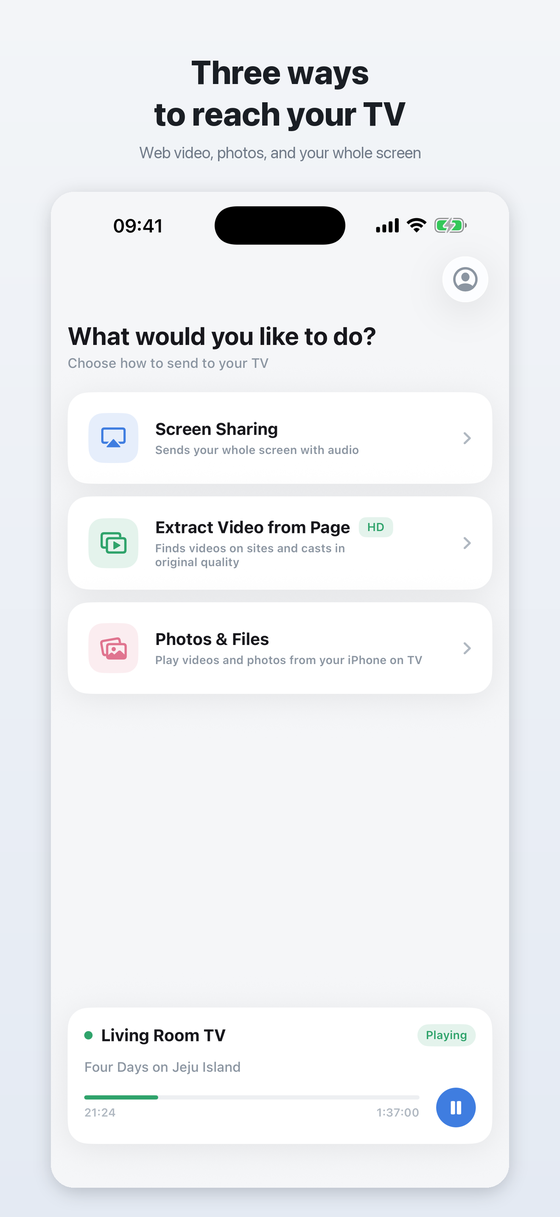
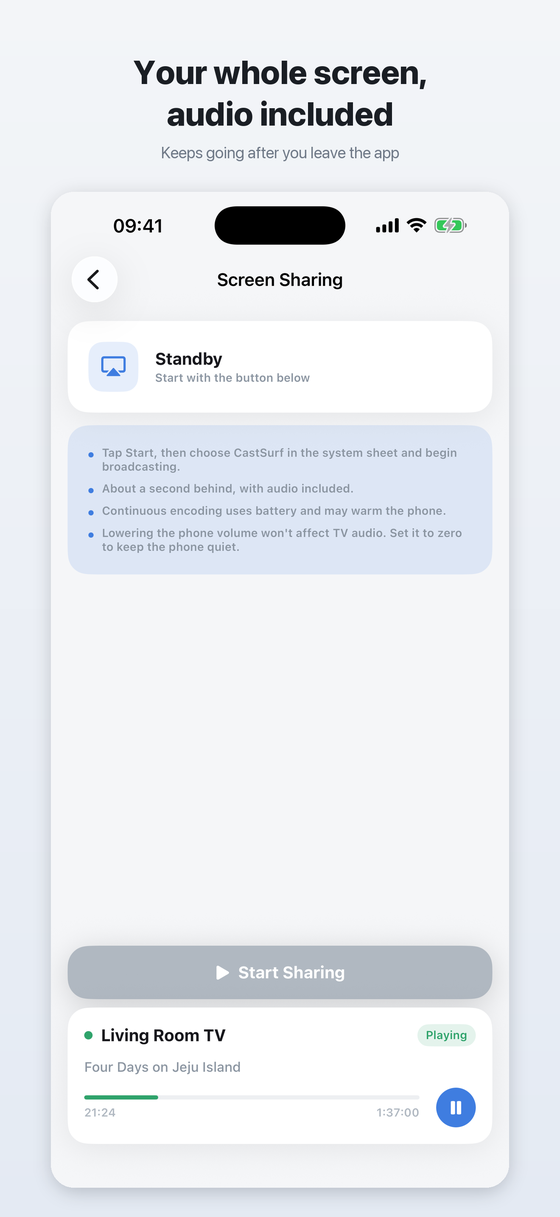
Your entire screen with audio, shown on the TV. It keeps going after you leave the app for the home screen or another app.
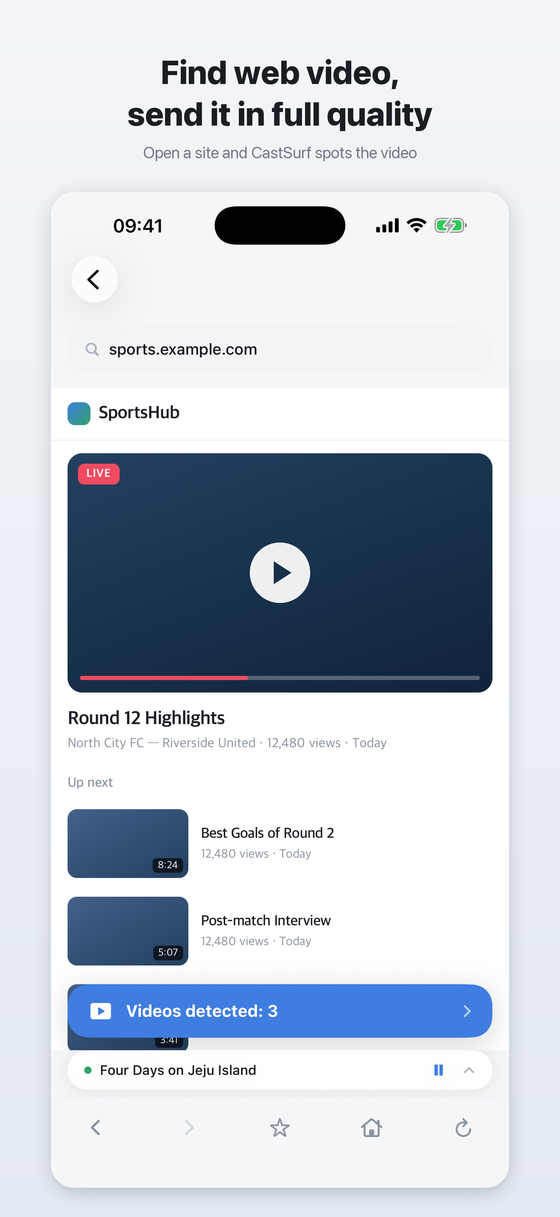
Open a site in the built-in browser and CastSurf finds the video that is playing. It sends the video's address rather than a recording of your screen, so the original quality is preserved and your phone stays cool.
Build a playlist from your photo library or files. Photos cross-fade, videos play through, and repeat starts the list over.
Your iPhone and the Cast device need to be on the same network. There is nothing to sign up for.
Everything works for free with ads. Premium removes all ads and keeps casting going with the screen off.
Write to contact@chamomile.dev with your iPhone model, iOS version, and the name of your Cast device. That is usually enough for us to reproduce it.
Google Cast and Chromecast are trademarks of Google LLC. CastSurf is not affiliated with or endorsed by Google.
 Chamomile